The doorstep balance
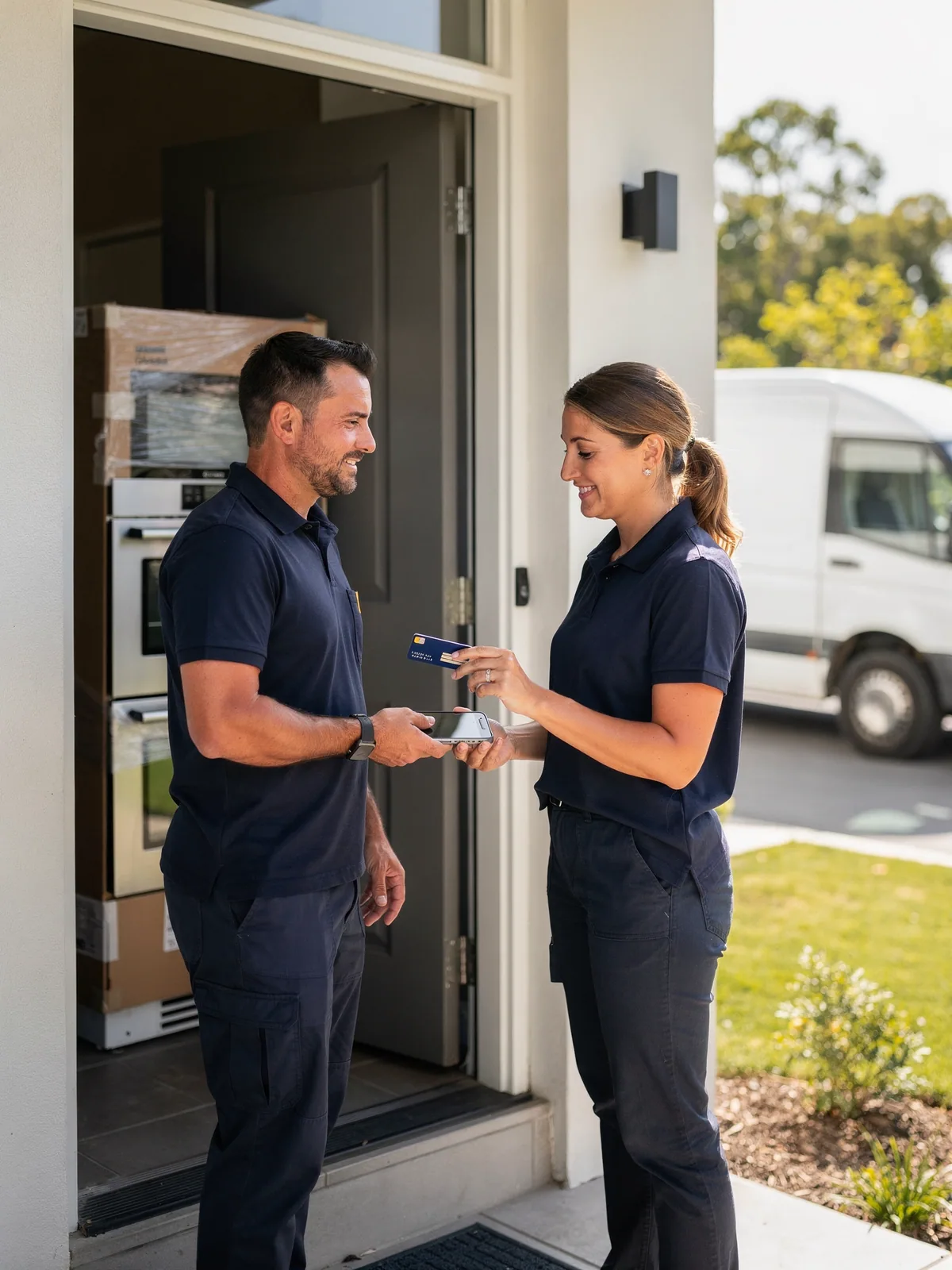
The oven is installed, the old one is in the van, and the balance is paid with a tap on the technician's iPhone before he leaves the drive.
In-store & Tap to Pay on iPhone
A premium appliance retailer installs at home and takes the balance on the doorstep. With Tap to Pay on iPhone the technician holds out the phone and the customer taps a card; no terminal to carry, no cable. Back at the showroom the counter runs a proper terminal. Both land in the same account, the same Magento orders and the same reconciliation.
Why it matters
Delivery drivers, installers, pop-up staff and reps all carry an iPhone already. Tap to Pay makes it the card reader, with nothing to buy, pair or charge.
Website, phone, van and counter settle into the same account and the same reports, so finance stops matching three providers' statements.
Doorstep and counter payments are card-present transactions with chip, contactless and PIN, priced and protected accordingly.
Where there is a counter, a smart terminal pairs with the Point of Sale for chip and PIN, contactless and receipts.
How it works
Switch on in-store payments in the suite. Staff who take payments on the move get the iPhone app; counters get a smart terminal paired to the Point of Sale.
The amount is entered or comes from the order, the customer taps a card or a phone on the back of the iPhone, and enters a PIN on the screen if the bank asks for one.
The Point of Sale sends the amount to the terminal, the customer taps or inserts, the receipt prints, and the payment is recorded on the Magento order with a full audit trail.
Every in-person payment appears alongside online payments in reports and payouts, with refunds to the original card from the credit memo.
Ways merchants use it
Delivery and installation, pop-ups and events, mobile services, and any retailer that sells both online and in person.
The oven is installed, the old one is in the van, and the balance is paid with a tap on the technician's iPhone before he leaves the drive.
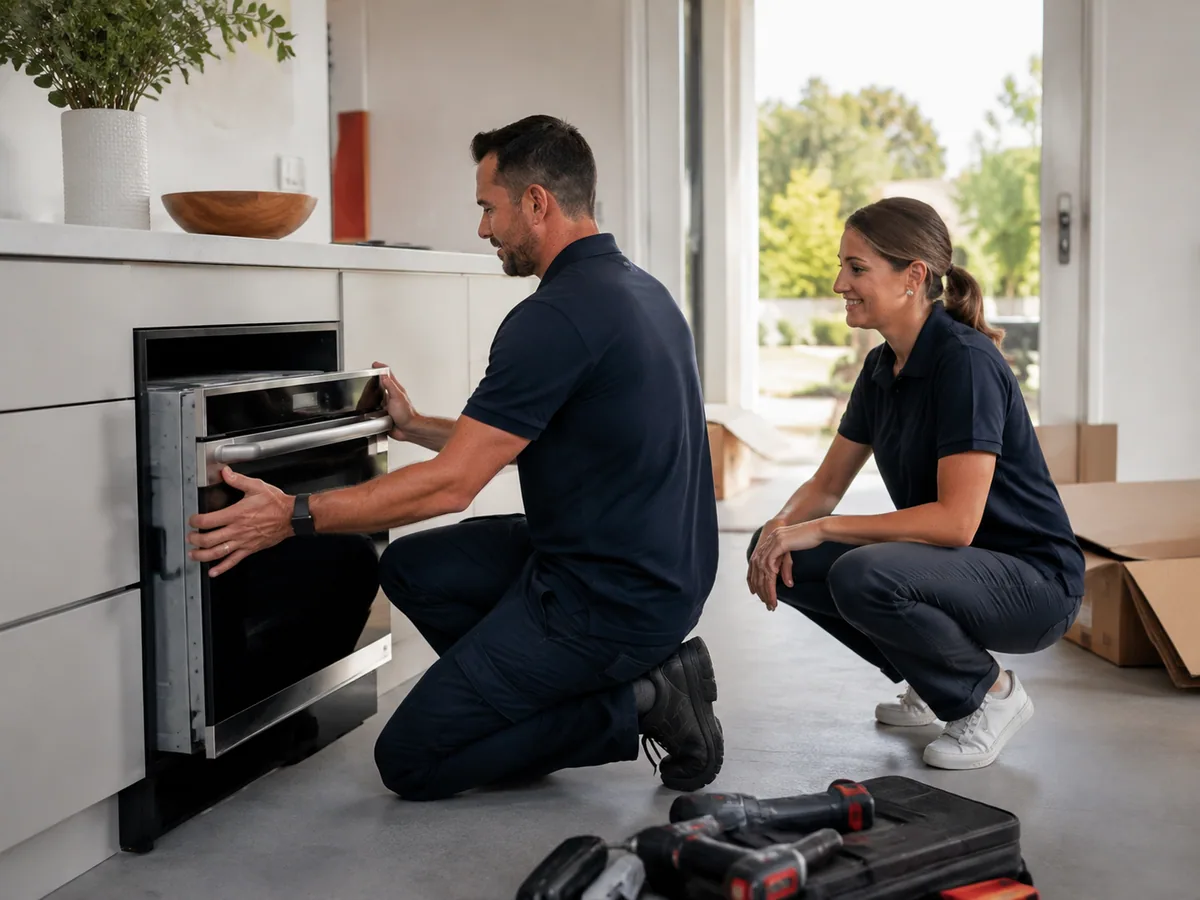
Earlier that morning: the new appliance slides into place, the old one goes to the van, the homeowner signs off. The balance is on the order already, waiting for the tap at the door.
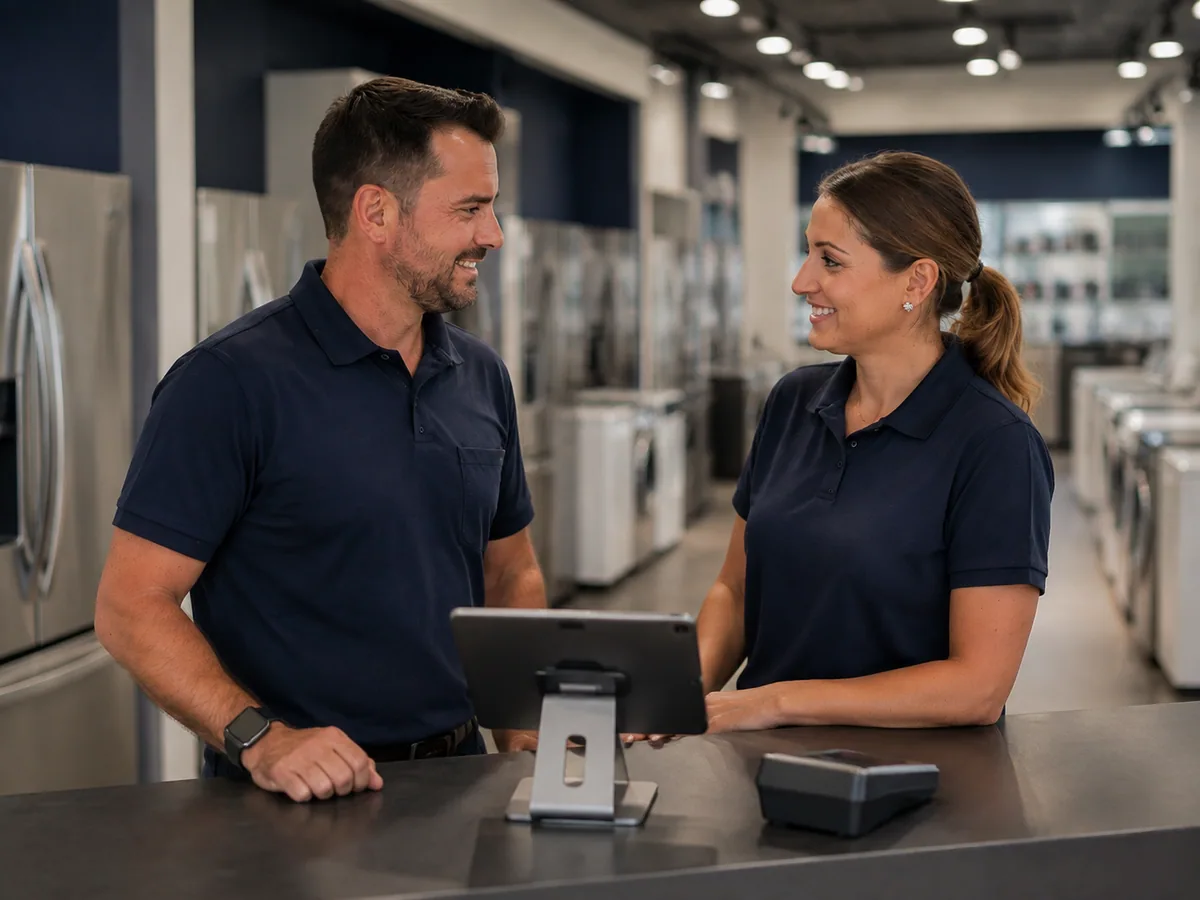
The same retailer's showroom takes deposits on a terminal at the counter. Doorstep and counter settle into the same account, so the one order carries both payments and one customer record.
What you need
Also in Payments Suite
Questions
Any recent iPhone with NFC, running current iOS. No accessory is needed.
Yes. When the bank asks for a PIN, the customer enters it on the iPhone screen using Apple's secure PIN entry.
No, it complements it. The Point of Sale runs the counter and the stock; Tap to Pay is the reader you carry when there is no counter.
Tap to Pay needs a data connection to authorise. The Point of Sale can queue the order offline and take payment when the connection returns, or by another tender.
Yes, from the credit memo on the Magento order, back to the card that was tapped.
The payments team will tell you plainly what switching this on involves for your store, and what it costs.