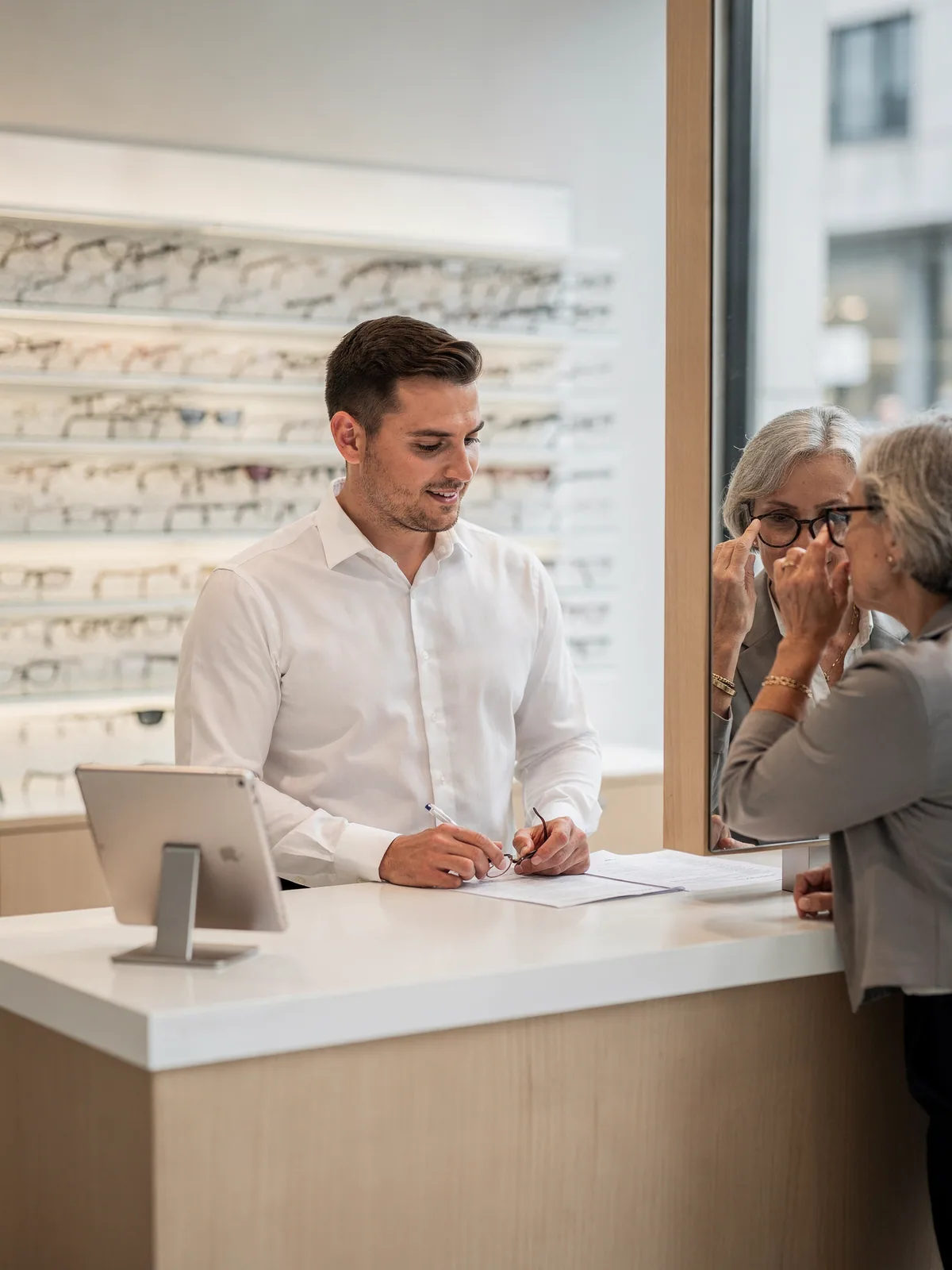
The returning patient
Found by phone number, prescription in a custom attribute, last frames in the history. The new pair goes on the same record.
Customers
An optician's front desk finds a returning patient by name, phone or a scanned card, sees her prescription in a custom attribute, her last two frames in the order history and the sunglasses on her wishlist. A new customer is created at the desk with a verified address and a welcome email, and exists on the website before she leaves.
Why it matters
Customers created or updated at the till sync to Magento with group, addresses, custom attributes, history and wishlist, so the website knows them too.
Show extra customer attributes, make some editable at the desk, search on others, and flag customers who should not be served.
Orders, credit notes and lifetime sales on the customer card, so the conversation starts from what they actually bought.
Loqate address verification at entry, so the delivery goes where the customer lives.
How it works
Search online against live Magento or offline on the device, partial matches included, or scan a customer badge to select them in one step.
Group, addresses, custom attributes, order history, credit notes, lifetime sales and wishlist, with the items on the wishlist one tap from the basket.
A minimal capture screen for a quick sign-up, or the full form with group selection, a verified address and a welcome email.
Email the order or receipt to any address using Magento templates, sign them up for back-in-stock alerts, and opt them into the newsletter at checkout.
Ways merchants use it
Retailers whose customers return, need custom data on file, or move between the website and the store.
Found by phone number, prescription in a custom attribute, last frames in the history. The new pair goes on the same record.
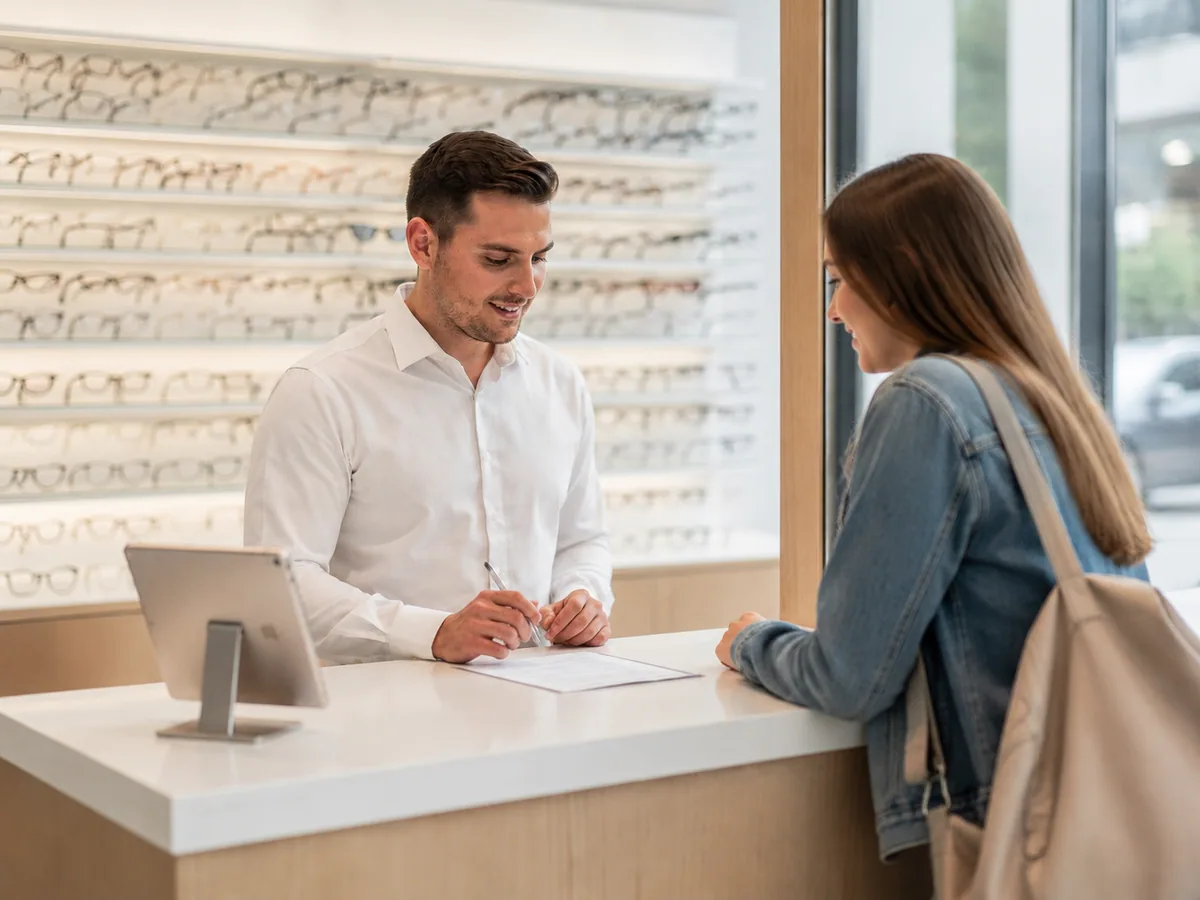
Name, verified address, customer group, welcome email. She can log in to the website that evening with the account created at the desk.
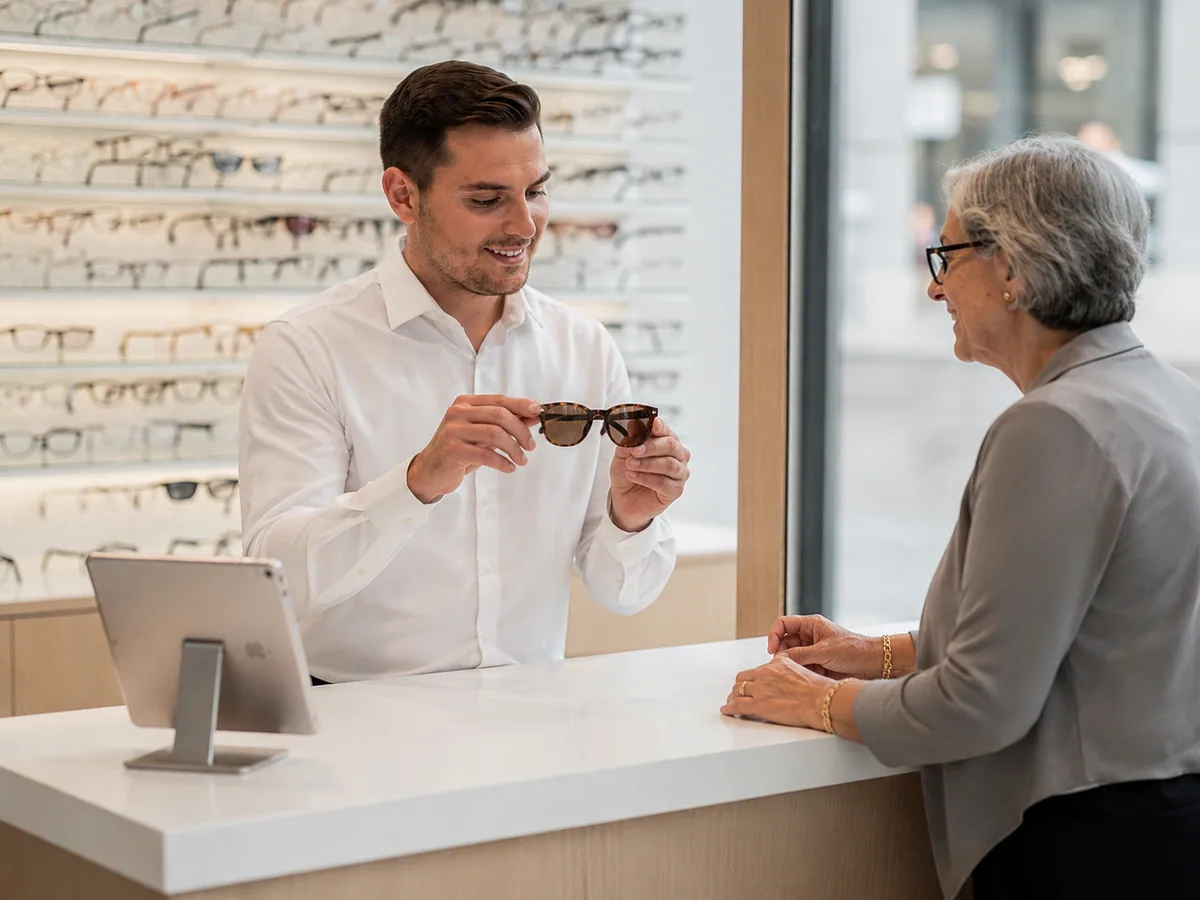
The sunglasses she saved online in June are on her wishlist at the desk in September, one tap from the basket.
What you need
Also in Point of Sale
Questions
Yes. Extra attributes can be shown, made editable, used in online search and displayed in results, all configured in the Magento admin.
Yes. A customer attribute can ban a specific customer from the POS.
Yes. View, search, add and remove wishlist items, and add them to the basket.
Through Loqate address verification at entry.
Yes. They sync to Magento with group, addresses, attributes and history, and can log in online.
A demo takes half an hour and uses your products, your stores and your permissions, not ours.