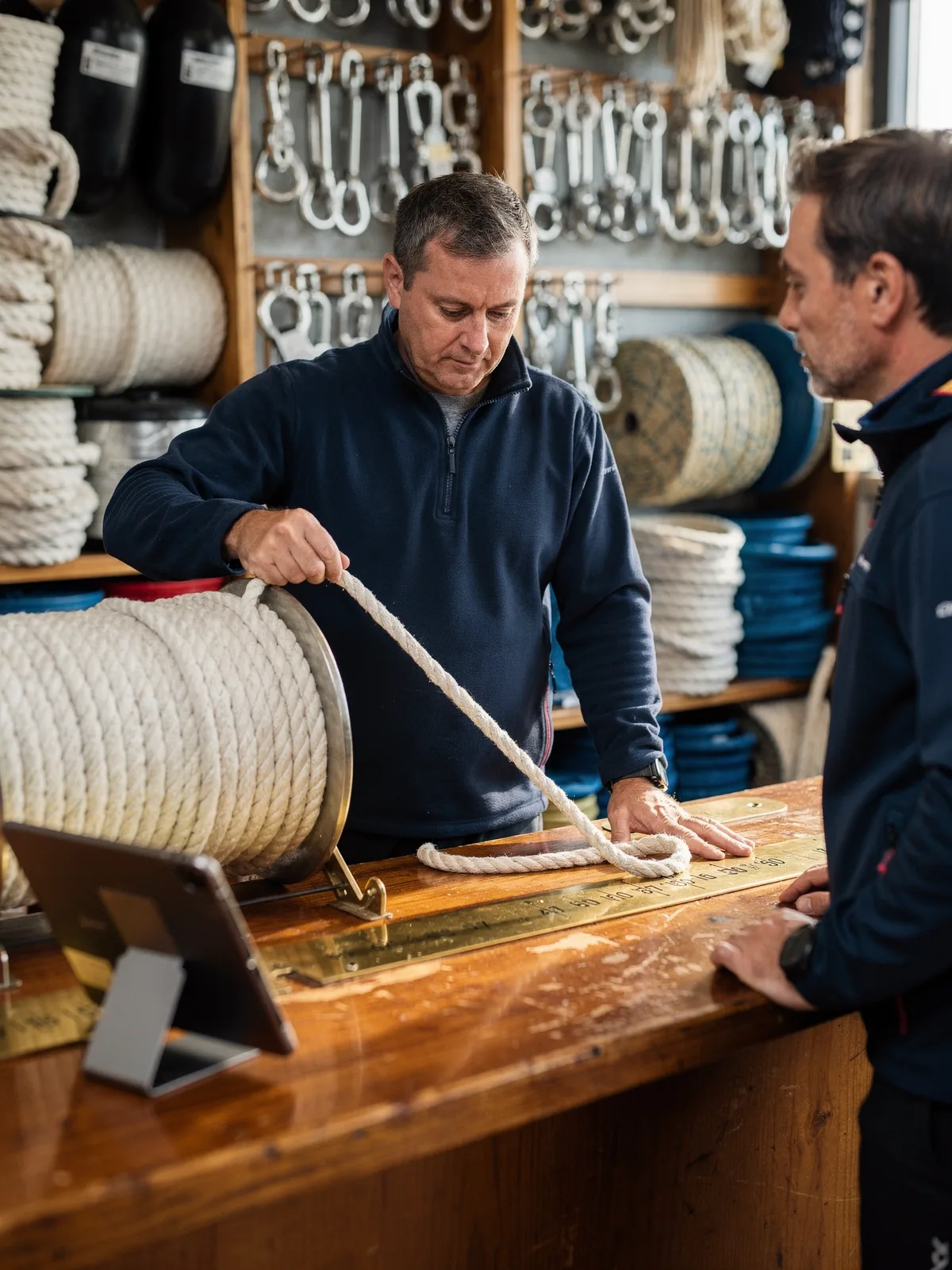
The rope
Four and a half metres measured off the spool, sold as 4.5 at the per-metre price, with the spring promotion on rope applied without anyone typing a code.
Checkout & catalogue
A chandlery sells rope in lengths, fittings in boxes and foul-weather jackets in sizes. The till shows the catalogue as a grid by category, finds a product by name, SKU or any barcode attribute, sells 4.5 metres as 4.5 metres, applies the Magento promotion, and prints the quote if the skipper wants to think about it.
Why it matters
A native app on the iPad, with the catalogue on the device, finds and adds a product faster than a browser till can load a page.
Configurable products with a variant picker, bundles, custom options, grouped tier pricing, and decimal quantities for goods sold by length or weight.
Cart price rules, coupon codes, free-gift and free-shipping promotions apply at the till exactly as online. A rule can be discarded per line when it should not apply.
Print a quote, hold an order locally or in the cloud to resume on any device, add order and line comments that print on the receipt.
How it works
Browse the grid by category with product images, or search by name, SKU or a barcode on any configurable attribute. A single result can go straight into the basket.
Choose size or colour, custom options and bundle contents. Quantities can be fractional, and Magento minimum-quantity and backorder settings are respected.
Customer-group and tier prices, promotions and coupons apply automatically. A permissioned price override or a discount with a reason is there when a manager wants one.
Checkout with any tender, or print a quote, hold the basket, ask for a delivery date, and note the salesperson. Ticket mode and kiosk mode are there for the counter that needs a leaner screen.
Ways merchants use it
Merchants with big configurable catalogues, goods sold by length or weight, and promotions that are set up once in Magento and expected to work everywhere.
Four and a half metres measured off the spool, sold as 4.5 at the per-metre price, with the spring promotion on rope applied without anyone typing a code.
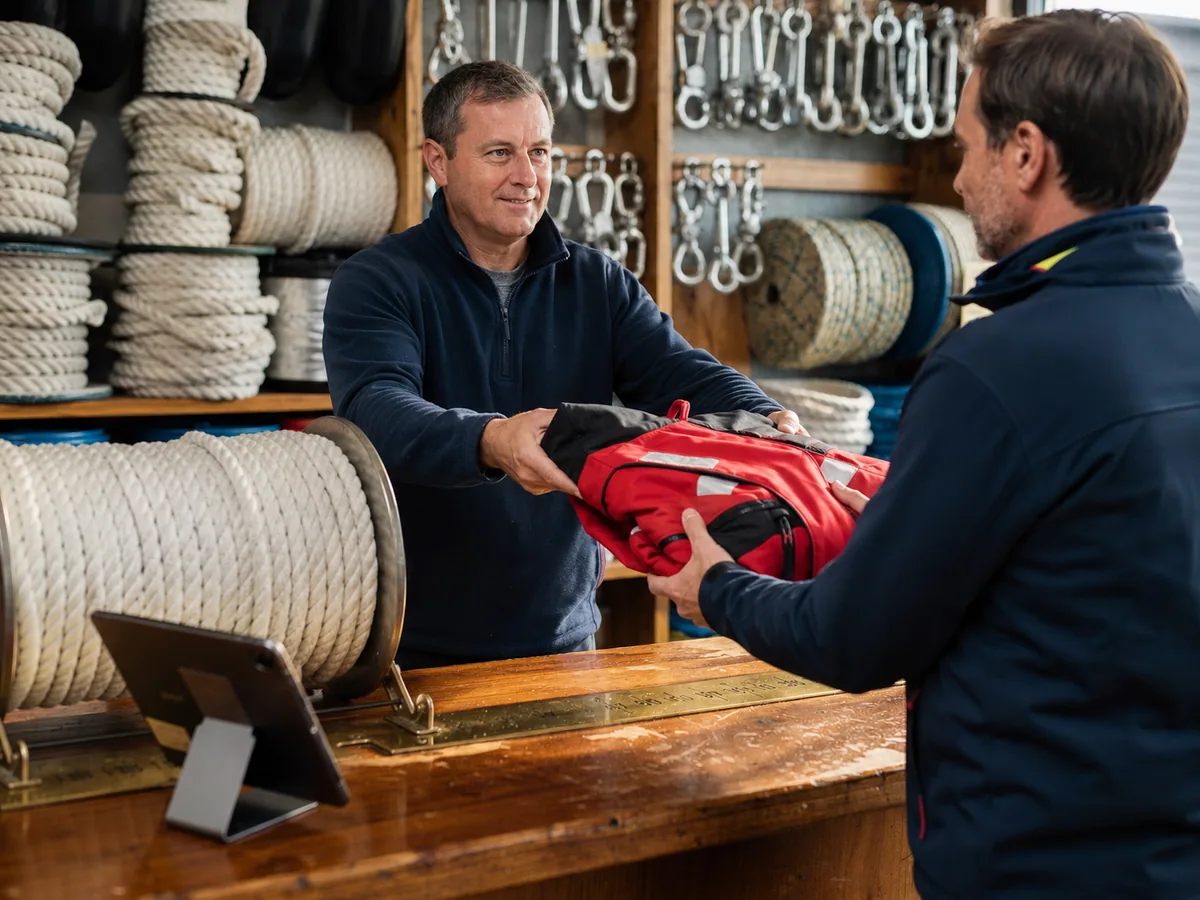
A configurable product with a variant picker. The medium is out here and in at the other branch, which the stock popup shows before the customer asks.
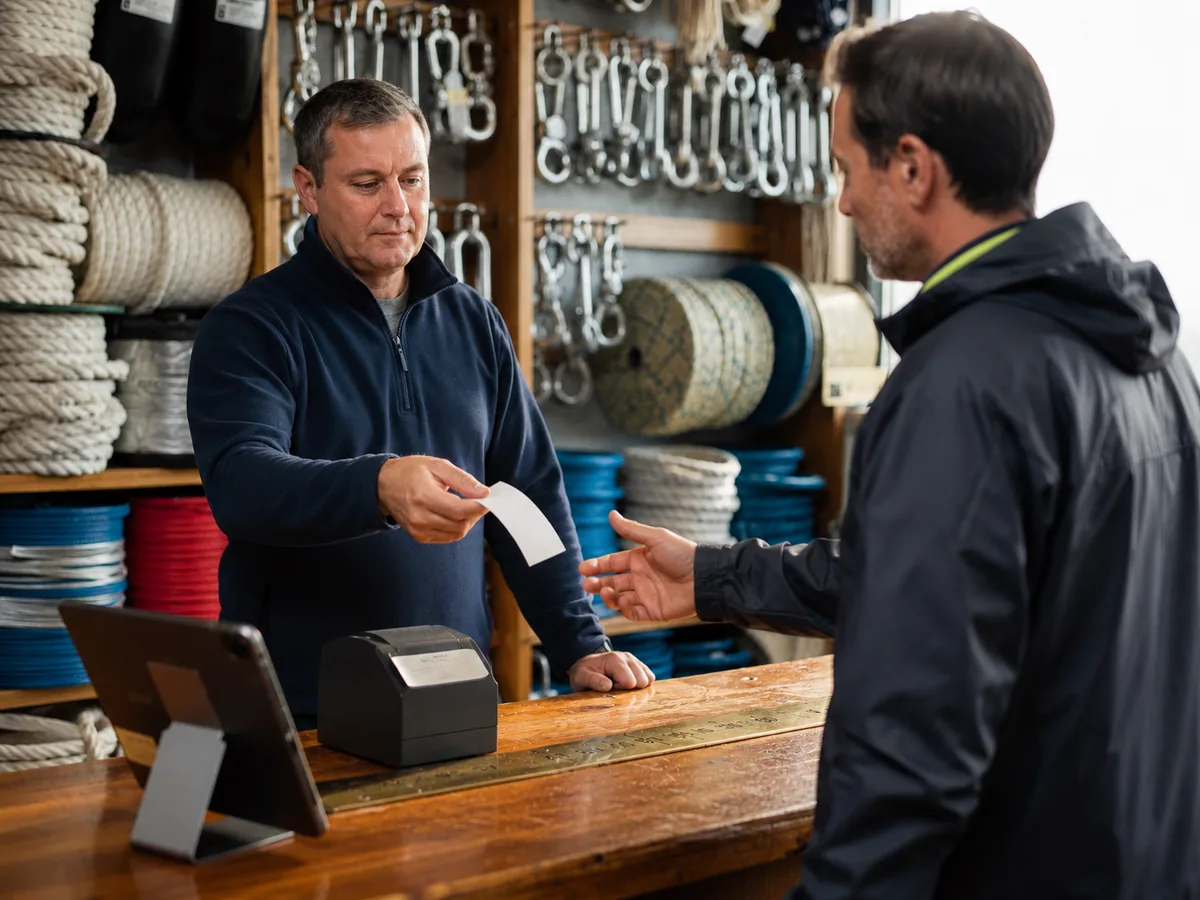
A skipper wants a price on a full set of deck hardware. The basket becomes a printed quote, sent to the cloud, and picked up on the other till when he comes back on Tuesday.
What you need
Also in Point of Sale
Questions
Yes. Configurable products with a variant picker, bundles including fixed-price bundles, custom options and grouped products with tier pricing.
Yes. Fractional quantities and decimal stock are supported, and a barcode scan can add a fractional unit.
Yes. Cart price rules, coupons, free-gift, free-shipping and bundle promotions apply, and a rule can be discarded per line.
Ticket mode is a list-based, scan-or-search-only screen for fast counters. Kiosk mode locks the app down for customer self-checkout.
Yes. Quotes are created, printed, resumed and deleted with permission, and can be held locally or in the cloud to resume on any device.
A demo takes half an hour and uses your products, your stores and your permissions, not ours.