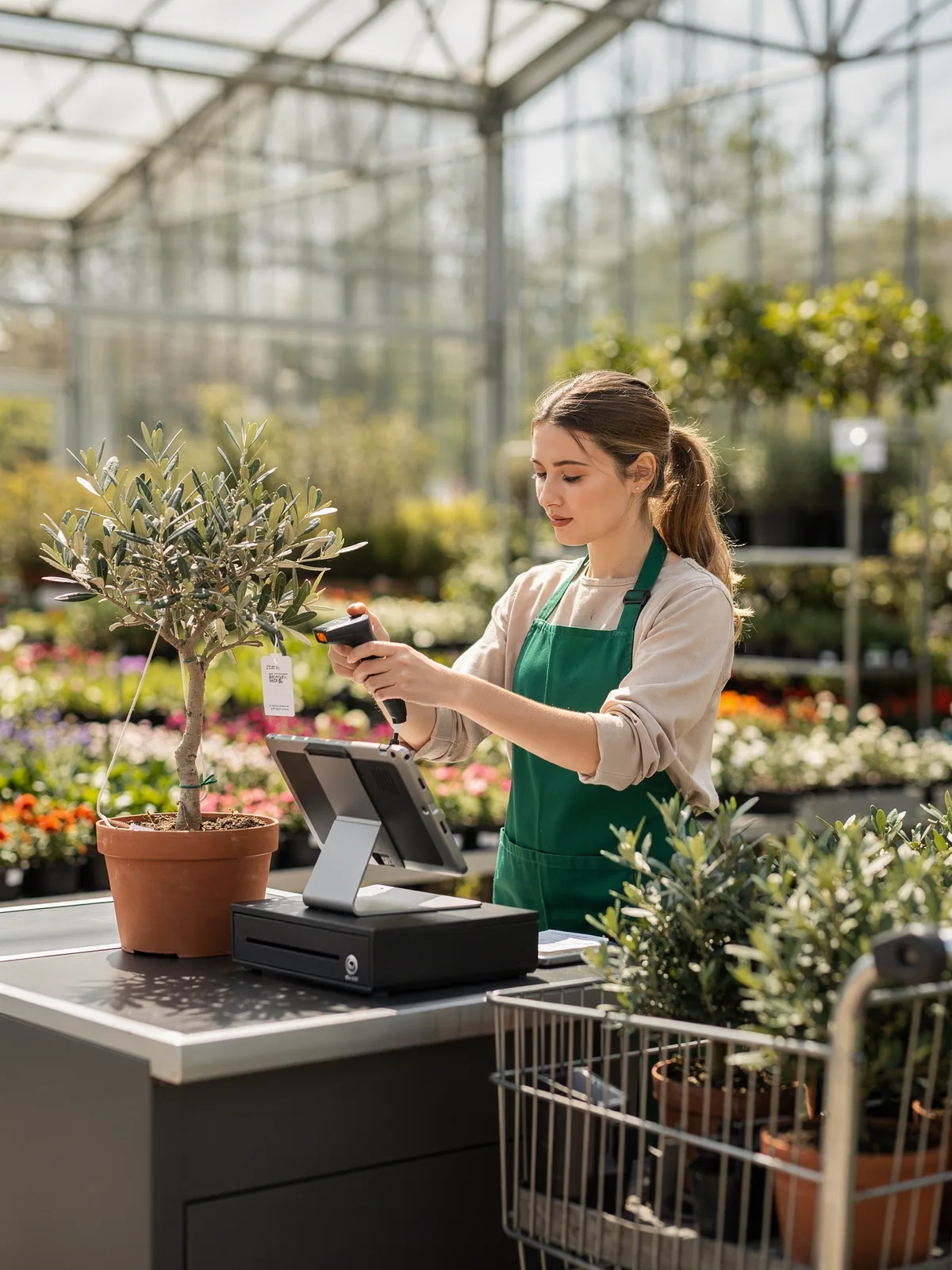
Lane three
Olive tree scanned, receipt printed, drawer opened for the cash, all in the time it takes to lift the pot onto the trolley.
Hardware
A garden centre runs six lanes on a Saturday. Every lane has an iPad, a Star receipt printer, a cash drawer on the printer's RJ11 port and a Socket Mobile scanner. The app pairs with all of it over Bluetooth or the network, prints receipts and documents, opens the drawer on the tenders you choose, and logs every time it does.
Why it matters
Dedicated scanners and thermal printers are faster and more reliable than the camera and a shared office printer, and the app treats them as first-class.
The drawer opens only on the tenders you configure, can open even when printing is off, and every opening is logged against the sale and the shift.
Zebra label printers via Link-OS print stock-transfer labels from the till, and AirPrint handles PDFs and additional documents.
Star Micronics, generic ESC/POS printers, Zebra, Socket Mobile, Star and Zebra scanners, and card terminals from a long list of gateways.
How it works
Star TSP143, TSP650, TSP700, SM-T300i and mC-Print3, or any ESC/POS-compatible printer, over Bluetooth or LAN. AirPrint printers work for receipts and documents too.
A cash drawer on the printer's RJ11 port opens per payment method, as configured in the Magento admin, and the drawer log records each opening.
Socket Mobile with CaptureSDK 2.0, Star scanners, Zebra LI4278, or the iPad camera. A scan with one match adds the product; a customer badge scan selects the customer.
Receipts, reprints, quotes, shift reports, transfer labels and additional documents, auto-printed or on demand, with the same or a different printer per document type.
Ways merchants use it
Multi-lane stores, stockrooms that print transfer labels, and any retailer replacing a legacy till but keeping its peripherals.
Olive tree scanned, receipt printed, drawer opened for the cash, all in the time it takes to lift the pot onto the trolley.

A customer buys a bench for delivery. The order prints its delivery note on the lane printer and the despatch label on the Zebra in the yard office.

The drawer log and the shift report print together. What the drawer opened for is what the report says, so the count takes minutes.
What you need
Also in Point of Sale
Questions
Star Micronics TSP143, TSP650 and 650II, TSP700, SM-T300i and mC-Print3 over Bluetooth or LAN, generic ESC/POS printers, and AirPrint printers.
Through the receipt printer's RJ11 port. It opens per payment method as configured, and can open even when receipt printing is disabled.
Socket Mobile (CaptureSDK 2.0), Star scanners, Zebra and Motorola LI4278, and the iPad camera.
Yes. Zebra label printers via Link-OS print stock-transfer labels, and AirPrint handles additional documents and PDFs.
Yes. The app has iPad and iPhone layouts and supports iPadOS 26. The Mac app is built and awaiting release.
A demo takes half an hour and uses your products, your stores and your permissions, not ours.