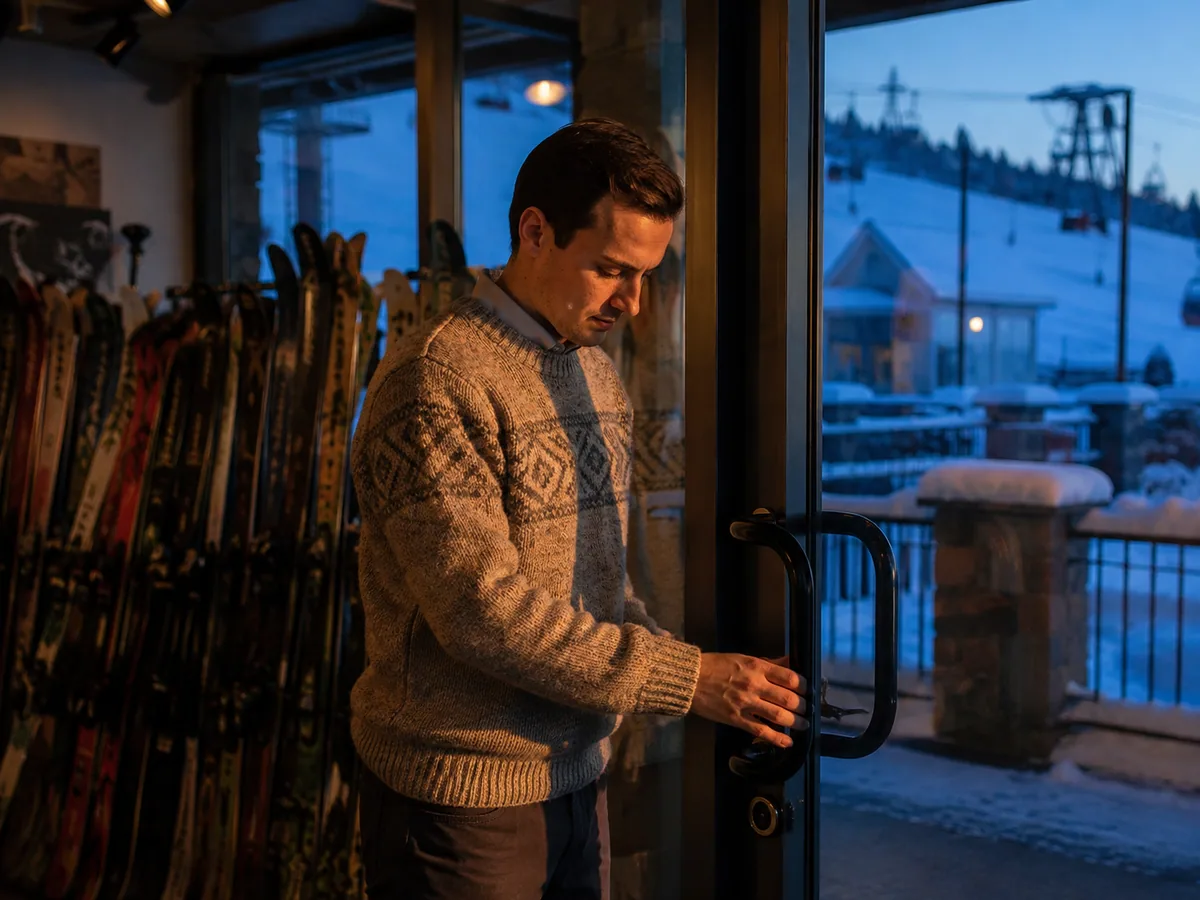
Opening at dawn
The manager opens the shift on the device with a float in francs and euros. The first lift is in twenty minutes.
Staff, permissions & shifts
A resort shop takes cash in two currencies and has seasonal staff. Permissions come from Magento admin roles, so a temporary cashier cannot override a price or issue a refund without a manager's PIN. At close, the shift is counted currency by currency, reconciled against transactions, and the cash-up report prints with the VAT breakdown.
Why it matters
A new cashier can sell on day one and cannot discount, refund or remove tax without a manager's PIN. Nothing to configure twice.
Cash is counted per currency, reconciled against transactions, and the report shows the difference before anyone goes home.
Discounts, overrides, refunds and adjustments are attributed to the user who did them, so a question in March about a refund in January has an answer.
Permissions are Magento admin roles. Hire someone, give them the role, and the till follows.
How it works
Every till action, from price changes and discounts to refund targets, inventory and settings, is a Magento admin role permission.
PIN login and screen lock, and PINs required for credit notes, adjustments, quick exchanges and removing tax, with per-role exemptions for managers.
Shifts run per user or per device, and can be required before checkout. The opening float is counted in each currency the store takes.
At close, cash is counted per currency, adjustments recorded, totals reconciled by payment type, and the report prints. The shift is stored in Magento with device, user and notes.
Ways merchants use it
Multi-store chains, seasonal and event staffing, border and resort retail, and any owner who wants to know exactly who discounted what.
The manager opens the shift on the device with a float in francs and euros. The first lift is in twenty minutes.
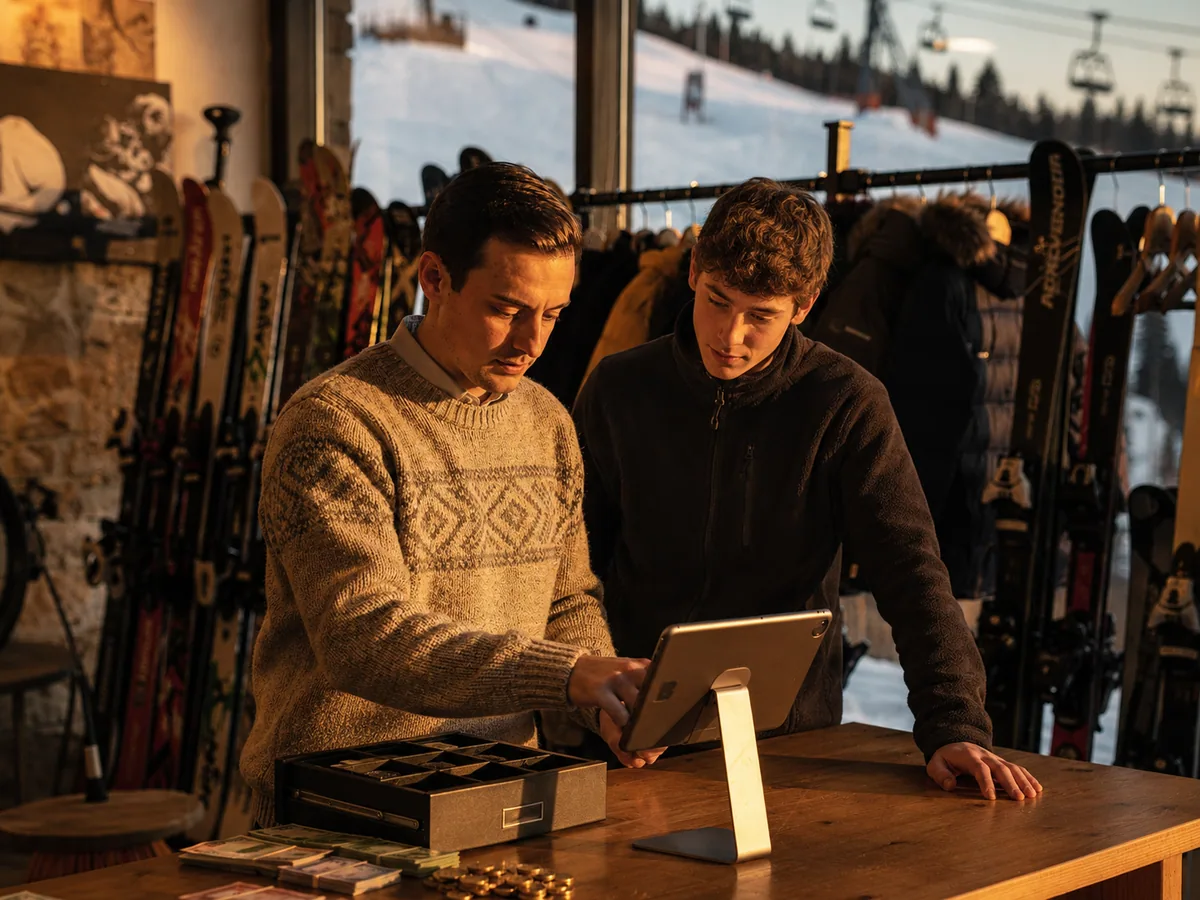
A seasonal cashier gets the Cashier role in Magento and a PIN. She can sell from her first hour; a refund still needs the manager.
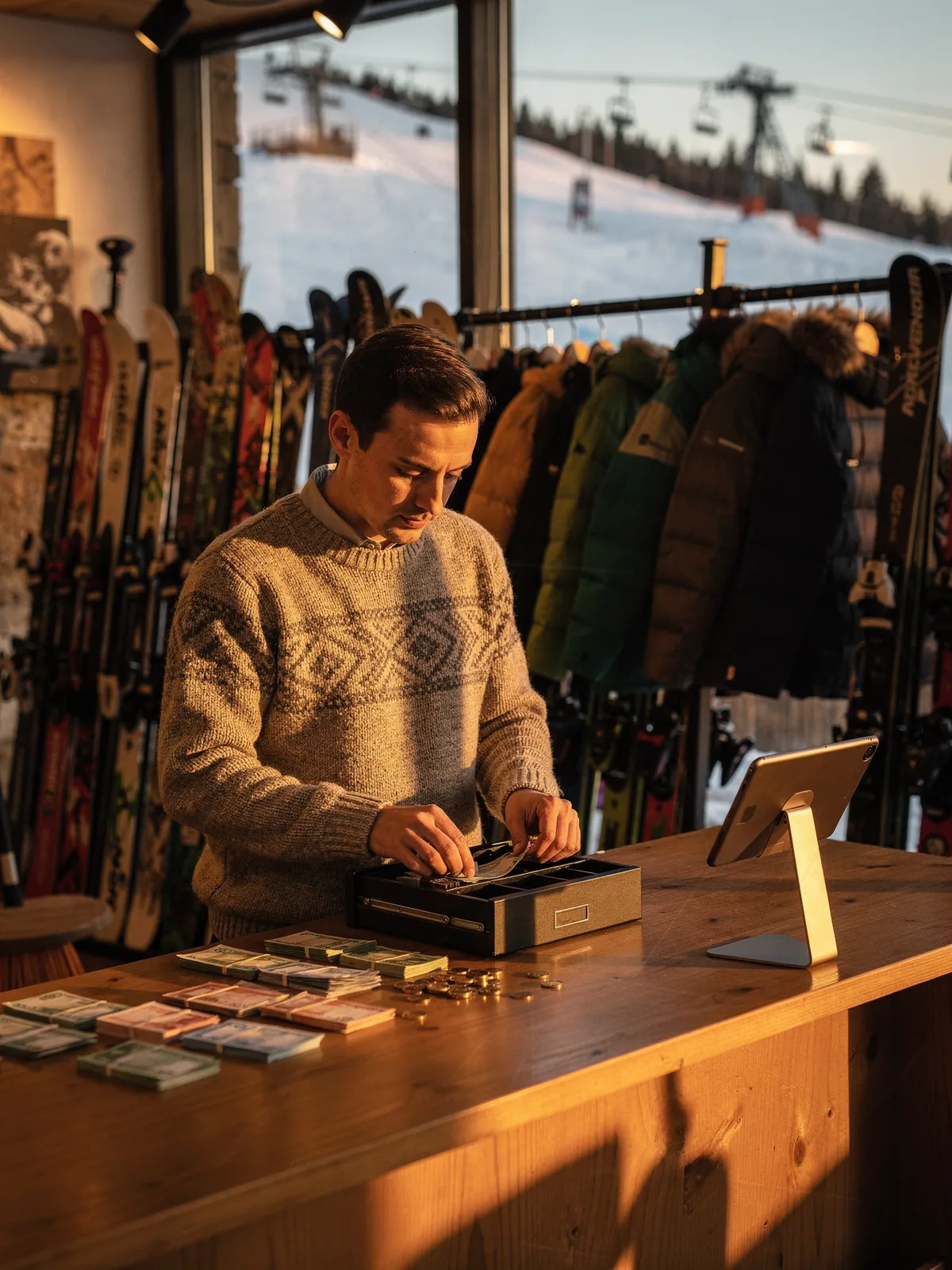
Cash counted twice, once per currency, reconciled against the day's transactions. The cash-up report prints with the VAT breakdown and the shift is filed in Magento.
What you need
Also in Point of Sale
Questions
No. POS permissions are Magento admin roles. Add a role, assign the permissions, and the till follows.
Shifts run per user or per device, your choice. Per user follows a cashier across devices; per device closes a till.
They print from the till, and the shift itself is stored in Magento with device, user, notes and sales totals. The report template is customised in the POS Admin portal.
Yes. A manager's PIN approves the guarded action on the cashier's session, and the approval is recorded.
Login and screen lock, credit notes, adjustments, quick exchanges, removing tax, and more, with roles exempted where you choose.
A demo takes half an hour and uses your products, your stores and your permissions, not ours.